Get started
Save your key
OpenRouter gives you one API key for AI models from many providers. Create a key, give it a spending limit, then save it.
cosmion authInstall the skill
This tells your agent how to use Cosmion. It works with Claude Code, Codex, OpenCode, Antigravity, Cursor, Grok Build and Copilot.
cosmion skill installAsk your agent
Make a 16:9 hero image of a small research dome on a rust-red plain at sunset, and save it as
public/hero.png. Tell me what it will cost before you generate it.
Or run it yourself
cosmion gen "a tiny voxel space station orbiting a ringed planet, isometric" -m openai/gpt-image-2.5-sunburstKnow what it costs
cosmion price shows what an image will cost, without spending anything. Every image's cost is recorded when it's generated, and cosmion usage totals your spending over any period.
You set the --budget for cosmion batch. It skips any image that would push the total past that limit.
Some models have no fixed price, so the cost can be unknown until the first image with those settings.
$ cosmion price \
    -m openai/gpt-image-2.5-sunburst \
    --quality high --aspect 16:9
~$0.0326

$ cosmion show w5b1cqha
Model     openai/gpt-image-2.5-sunburst
Cost      $0.0324
Settings  aspect_ratio=16:9, quality=high
Prompt    a small research dome on a
          rust-red plain at sunset,
          two moons overhead

$
Images made with Cosmion
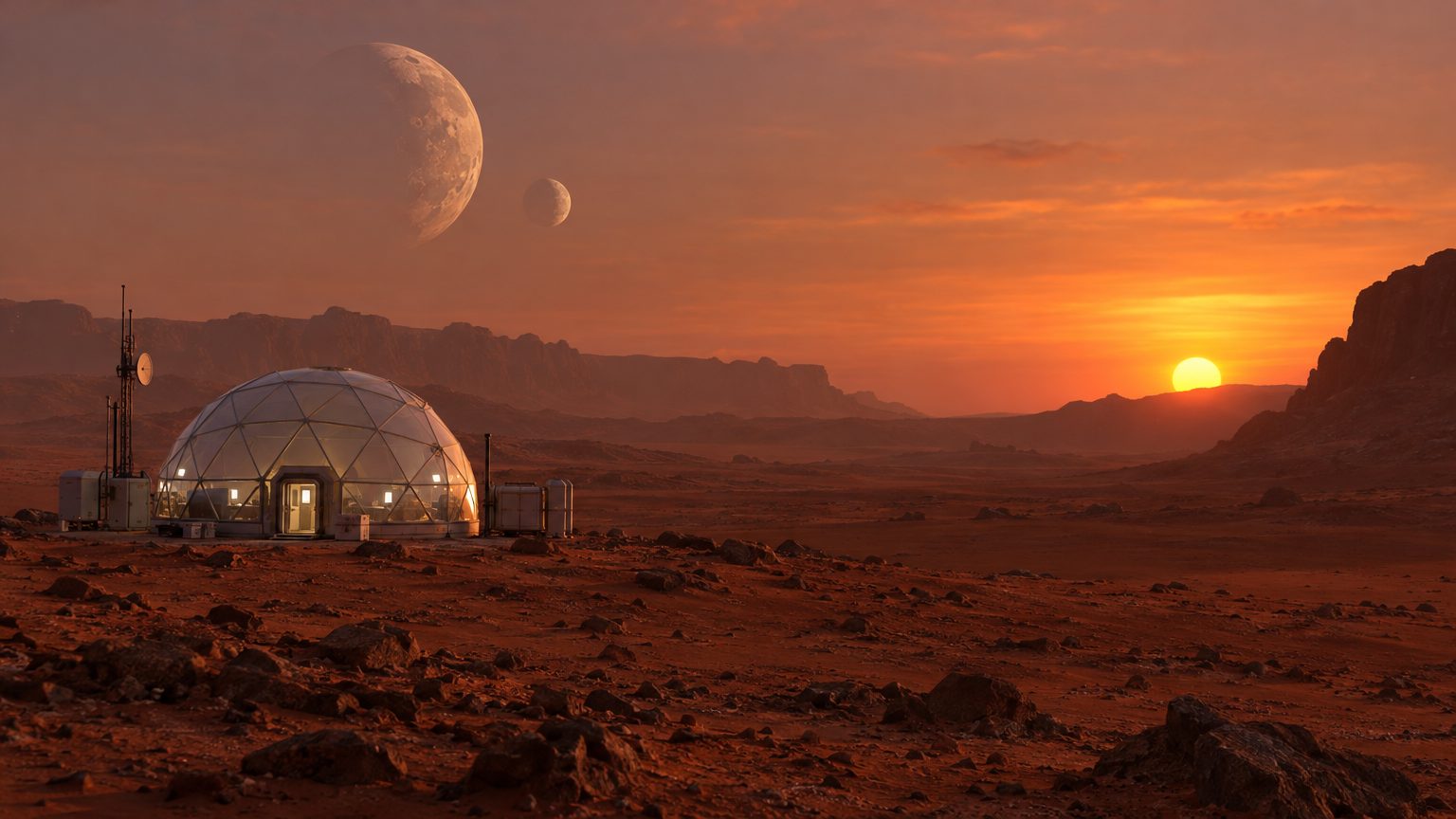
cosmion gen "a small research dome on a rust-red plain at sunset, two moons overhead" -m openai/gpt-image-2.5-sunburst --quality high --aspect 16:9$0.0324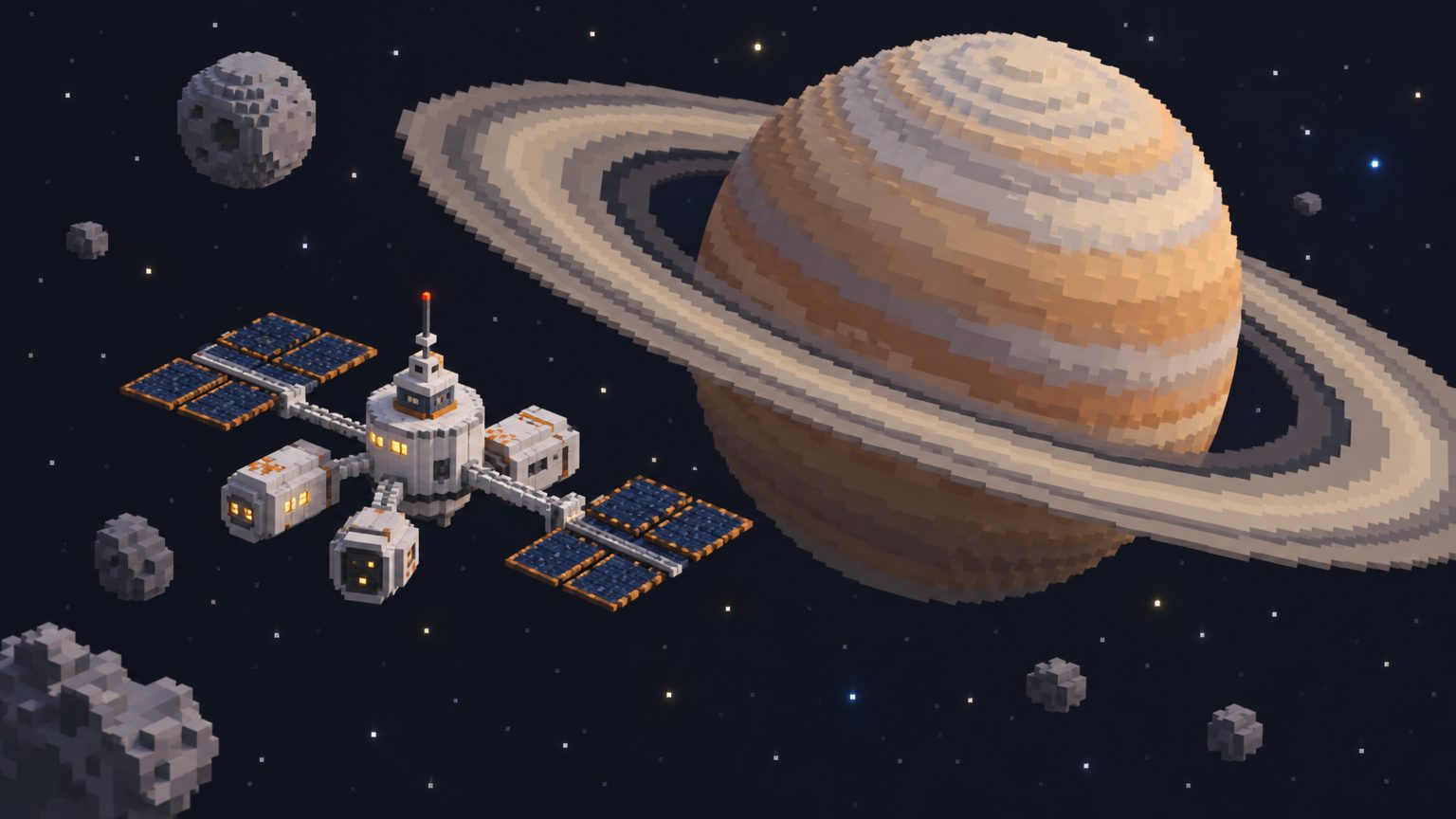
cosmion gen "a tiny voxel space station orbiting a ringed planet, isometric" -m openai/gpt-image-2.5-sunburst --quality high --aspect 16:9$0.0324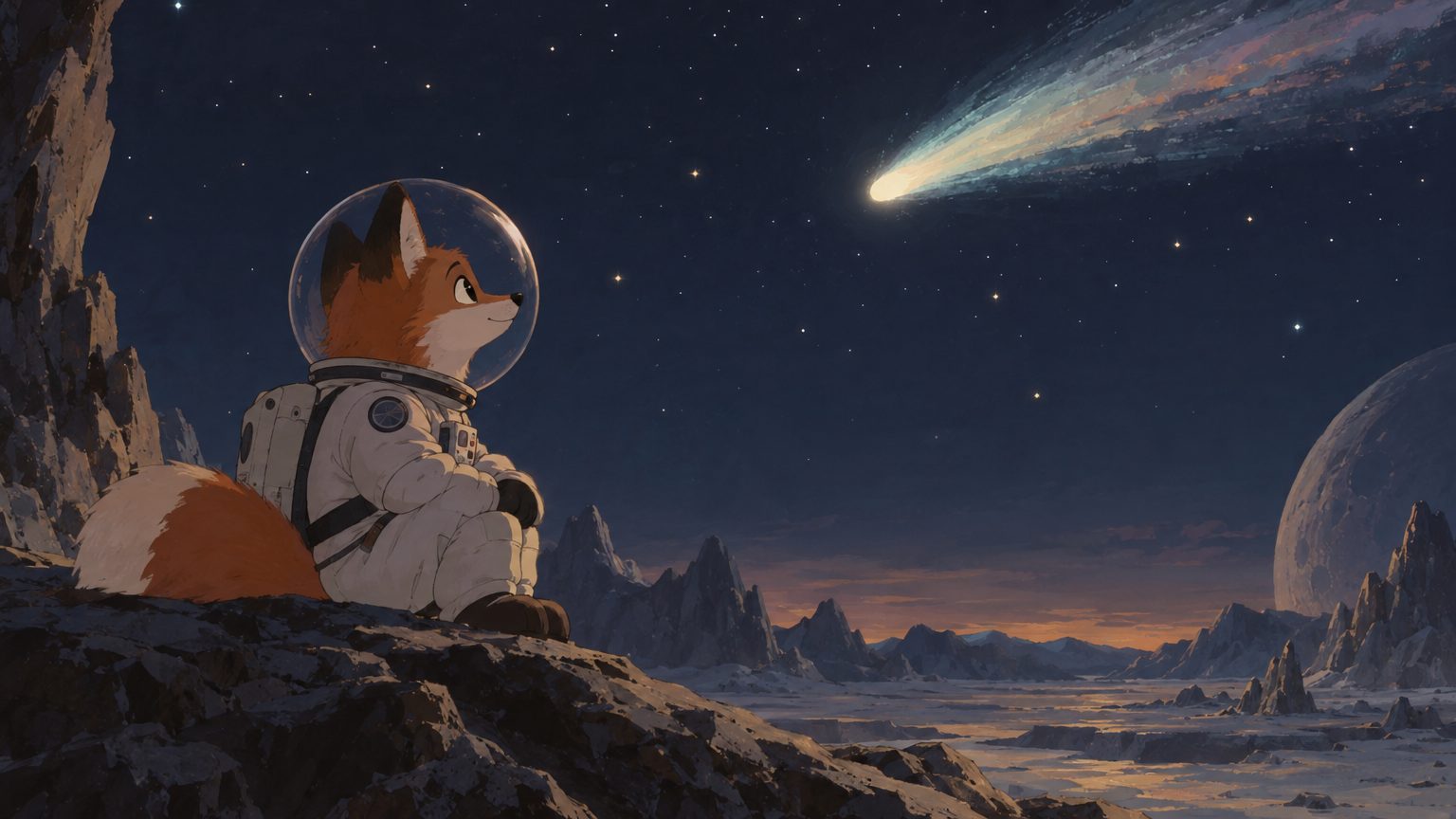
cosmion gen "a fox in a space suit watching a comet, hand-painted animated film still" -m openai/gpt-image-2.5-sunburst --quality high --aspect 16:9$0.0324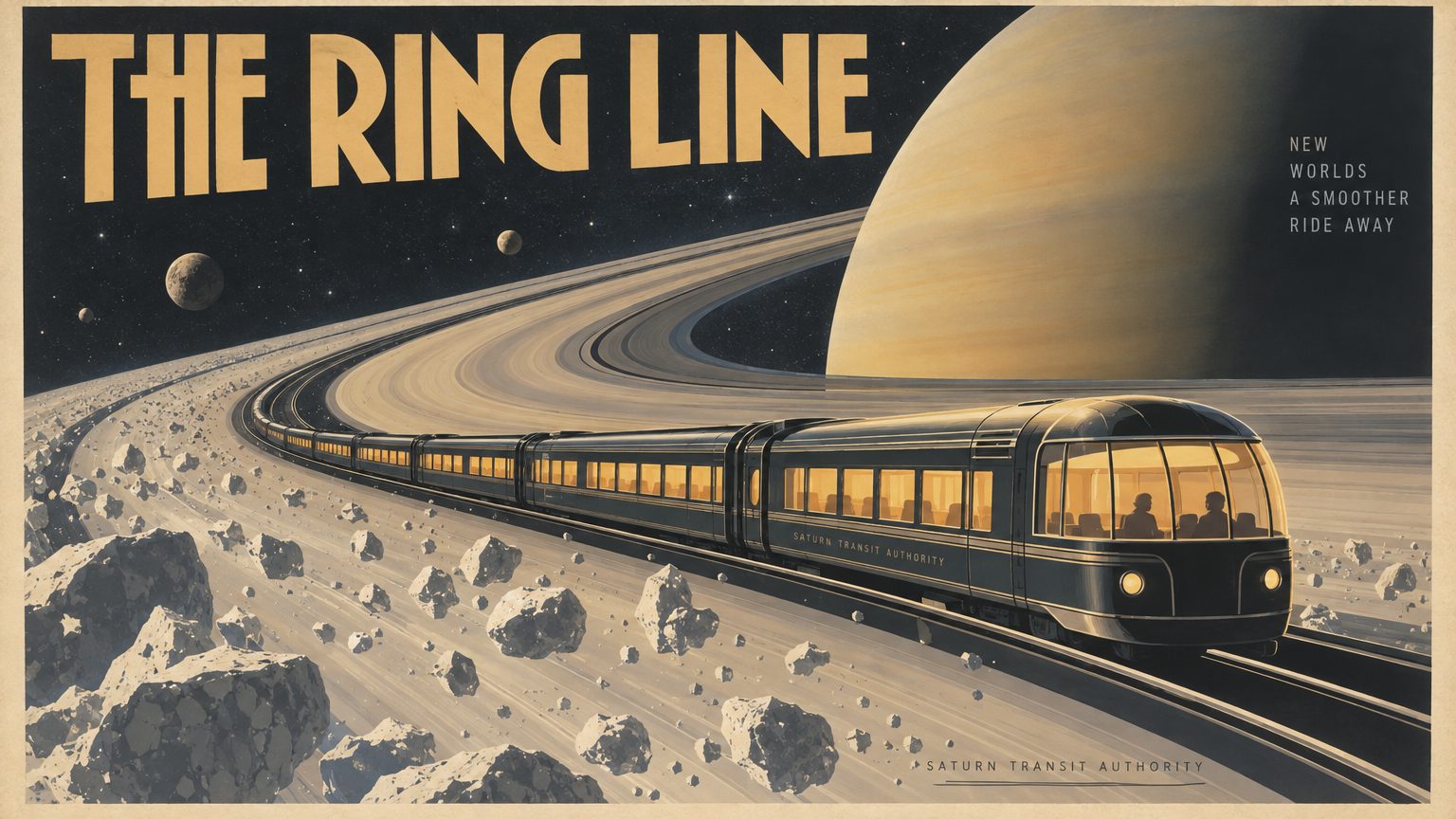
cosmion gen "a vintage travel poster for a train across Saturn's rings, with the words 'THE RING LINE'" -m openai/gpt-image-2.5-sunburst --quality high --aspect 16:9$0.03251 of 4